









New Methods for Creating Depth Across a Mix: 4 Examples with smart:reverb 2
Discover new ways to add depth to your mix using smart:reverb 2 and its innovative mechanics like the Distance control.
Read more
AI-powered tools for professional vocal mixing
Get three AI-powered tools for perfect vocals – EQ, de-essing and reverb. Shape tone, control sibilance and add space for polished vocals with a faster workflow.

3 plug-ins worth €387.00 for €149.00 — you save €238.00
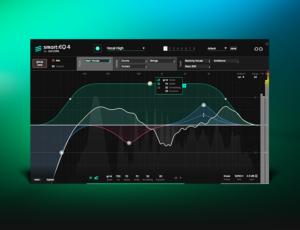
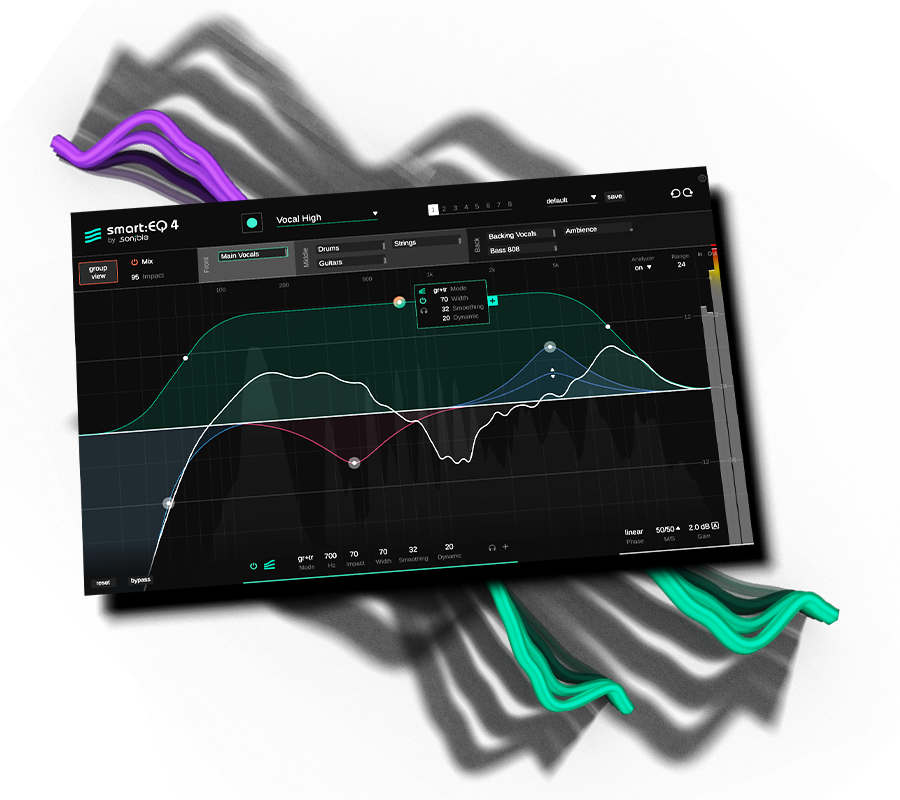
Within seconds, our flagship equalizer analyzes your audio and balances frequencies automatically. Clean up tracks, shape tone and create a spacious mix faster.
Included in the bundle — €129.00 if bought separately
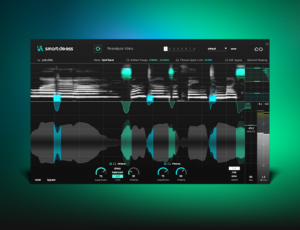
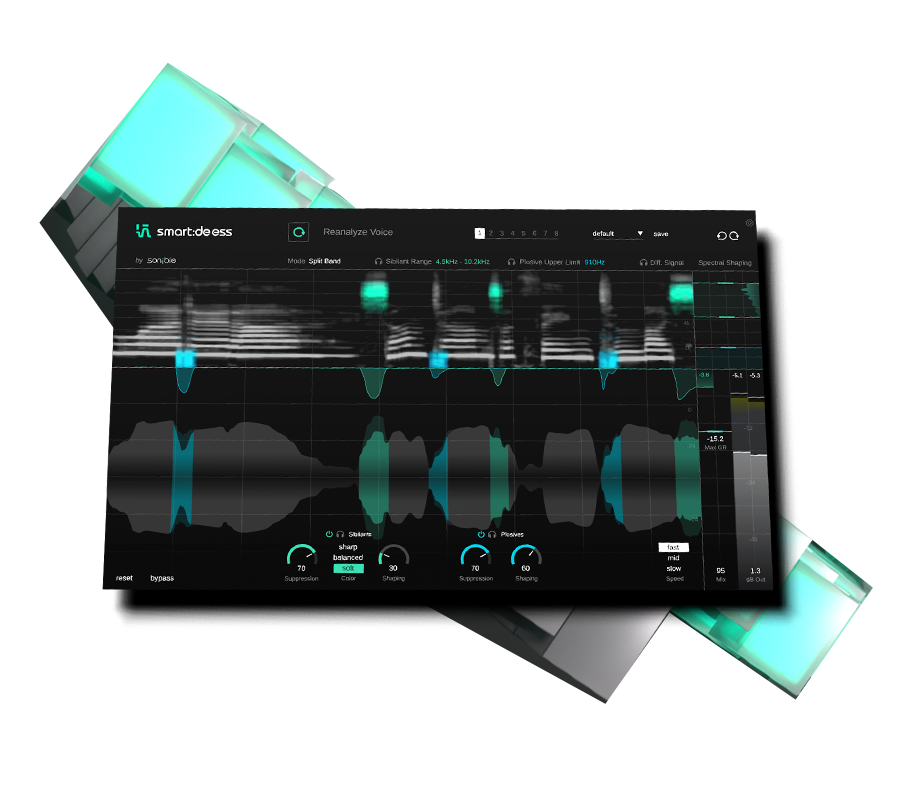
Where other de-essers just reduce volume, smart:deess automatically detects and reduces harsh sibilance with precision. Get smooth, natural vocals without tedious frequency hunting.
Included in the bundle — €129.00 if bought separately
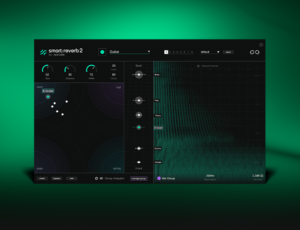
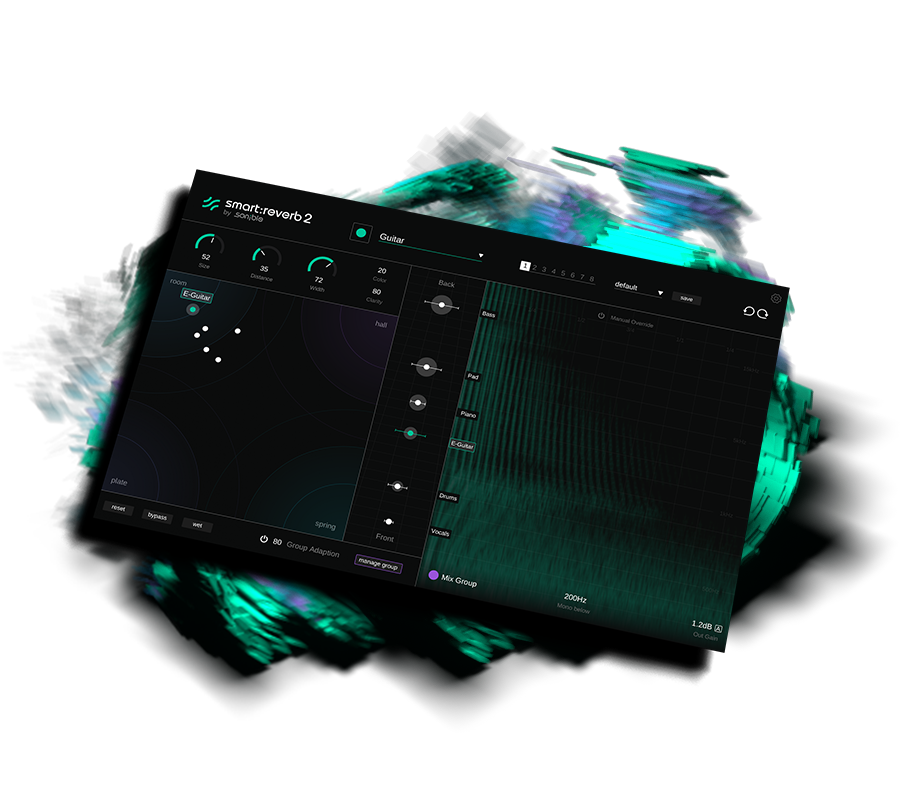
Our AI-powered reverb creates spaces tailored to your audio. Shape depth, width and character intuitively while keeping your mix clean.
Included in the bundle — €129.00 if bought separately

Mixbus TV
White Sea Studio
Folia Soundstudio
Audio Toolshed
Recording Blog
Audiofanzine
Eric Kaufmann
Oli Beaudoin
Crossbeats Music Production
Reaper Brasil
FAQ
Yes. As smart:deess uses a neural network to identify different phonemes, the plug-in needs a look ahead of approximately 70ms to perform this real-time detection. That means that the plug-in cannot be used in live situations when zero-latency processing is needed.
When de-essing, smart:deess analyzes the signal’s actual content – not just the level of one or multiple frequency bands – to make decisions. Since each person has their own voice characteristics, smart:deess asks you to playback some audio to learn a short vocal fingerprint. This vocal fingerprint – we also call it voiceprint – is like a fingerprint of the vocal characteristics of the analyzed person. Once a voice has been analyzed, smart:deess adapts its internal processing to match the observed characteristics.
When working with a new speaker or singer, you should therefore always re-analyze the signal to make sure that the processing adapts accordingly.
During the learning time, smart:EQ 4 listens to your audio signal to compute a smart:filter. The minimum learning time is 6 seconds (of active audio). Per default, the smart:filter is automatically computed when this minimum learning time is over.
If you want smart:EQ 4 to optionally listen for a longer period of time to your signal, you can choose a longer maximum learning time on the settings page. If a maximum learning time larger than 6 seconds is set, you can either retrieve your result at any time after the minimum learning time has expired (by clicking the ”Get result” button) - or you can wait until the maximum learning time has expired.
Hint: Longer learning times can help to give smart:EQ 4 a „bigger picture” of the overall signal. You can also pause learning and jump to another section to continue learning from there.
Depending on its mode, the smart:filter either only tries to fix imbalances of the current track or it also takes potential masking problems with other tracks into account (when part of a group).
In track & group (tr+gr) mode, the smart:filter looks at spectral imbalances of the current track as well as potential masking problems with other group members. This is the default mode for smart:EQ 4.
In track mode, the smart:filter only looks at spectral imbalances and problems of the current track. Potential masking problems with other group members are ignored. Even when the plug-in is a part of a group, you may want to use this mode if you do not want other tracks to have an impact on the sound of a certain track.
In group mode, the smart:filter only checks potential masking issues with other group members, but does not try to fix potential spectral imbalances of the track itself. Therefore, this mode only shows a filter curve if the plug-in is part of a group. You may want to use this mode if you want to stick to the overall sound of track and only want to embed it a bit smoother into a group of multiple tracks.
The plug-in is primarily designed as an insert effect, particularly to make full use of the Distance parameter and Group Mode. Distance combines dry/wet balance with spatial coloration and gain compensation.
However, you can also use smart:reverb 2 on a send channel by activating Wet Mode, which disables the Distance control and outputs only the reverb signal.
Instead of using static presets, smart:reverb 2 offers a Reverb Matrix with four reverb types (Room, Hall, Plate, Spring) and their variants. This lets you intuitively explore and morph between different reverb textures. It’s designed for creative freedom - just drag your way through the matrix to find the sound that works.
“smart:EQ is one of those plugins I genuinely can’t live without anymore. I use it on pretty much every track or bus.”
– Ilian Bluestone

Music producer & DJ
“This is by far the best de-esser plug-in. Everyone knows what a pain it is sometimes to solve this problem. Especially with German vocals. And there are only a few plug-ins that are really usable. But smart:deess has raised the bar.”
– Patrik Majer
Producer, engineer & mixer
smart:reverb 2 continues to demonstrate sonible's ability to completely rethink the things that we, as producers, didn't realise needed rethinking.
– Phil Pendlebury
Music Producer
Discover new ways to add depth to your mix using smart:reverb 2 and its innovative mechanics like the Distance control.
Read more
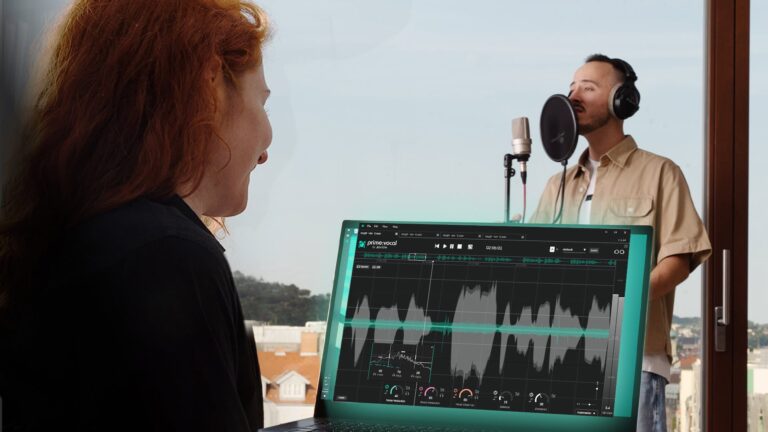
To minimize problems when recording, learn to avoid ten negatives that can occur when capturing vocals, voice or speech.
Read more
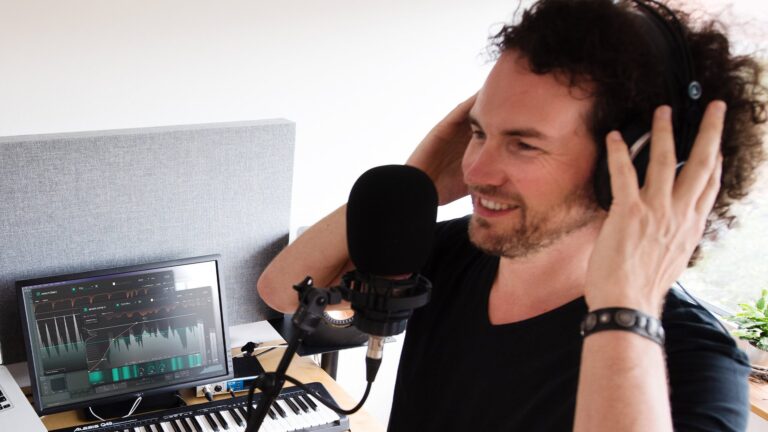
Listen as we take a vocal channel from basic recording to professional standard, and explain the process as we move through every step.
Read more
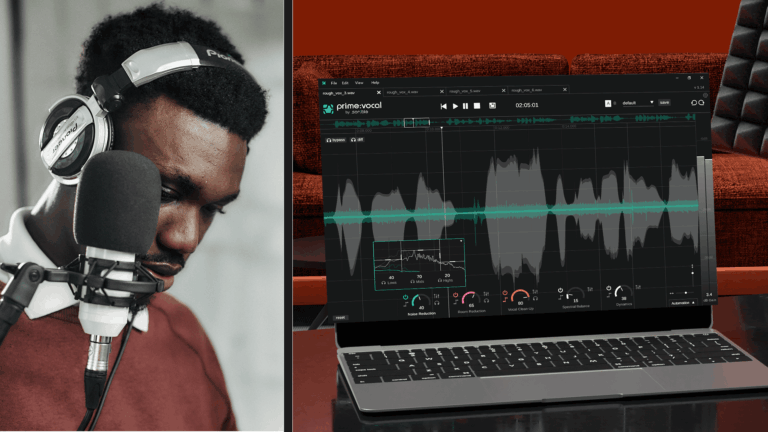
We’ve compiled this article to list a variety of techniques for getting a better vocal sound to help producers at all levels.
Read more
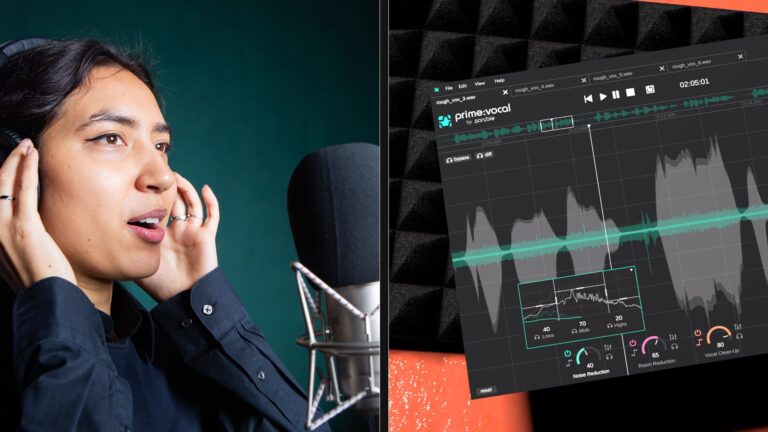
Every vocalist is different, every producer is different, so here are the effects you’ll want to consider when mixing the perfect vocal.
Read more
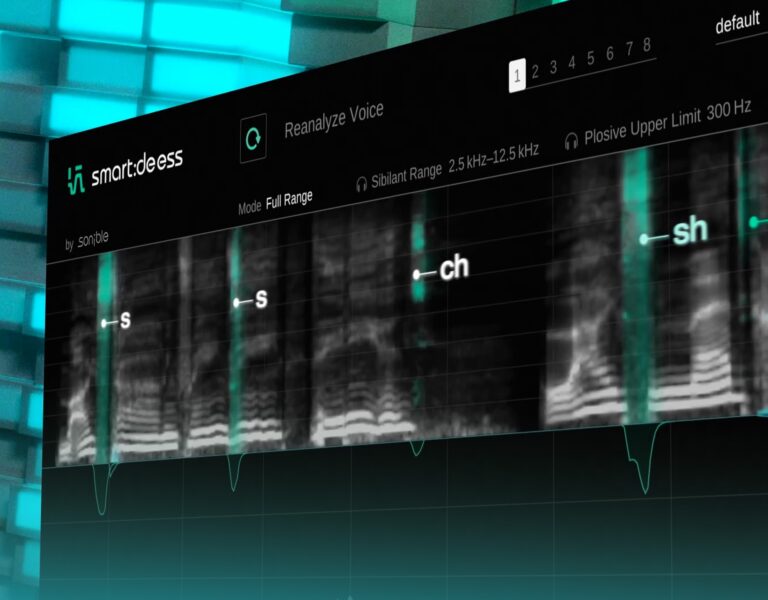
Tame those harsh sibilants in vocal recordings with ease – we show you how smart:deess gets the job done.
Read moreFeatures, specs & changelog