








smart:comp 3 is out now
No major update of a smart plug-in comes without a completely new way of approaching audio workflows – smart:comp 3 is no exception.
Read more
Essential AI-powered tools for mixing and mastering
smart:essentials bundles our three most popular plug-ins – smart:EQ 4, smart:comp 3 and smart:limit – intelligent EQ, compression and limiting.

Audiotool Shed
Claudiomeloni.it
Creative Sauce
White Sea Studio
MixbusTv
Mixing With Mike
Sounds of Revolution
SoulPi Records
Zany Pro
FAQ
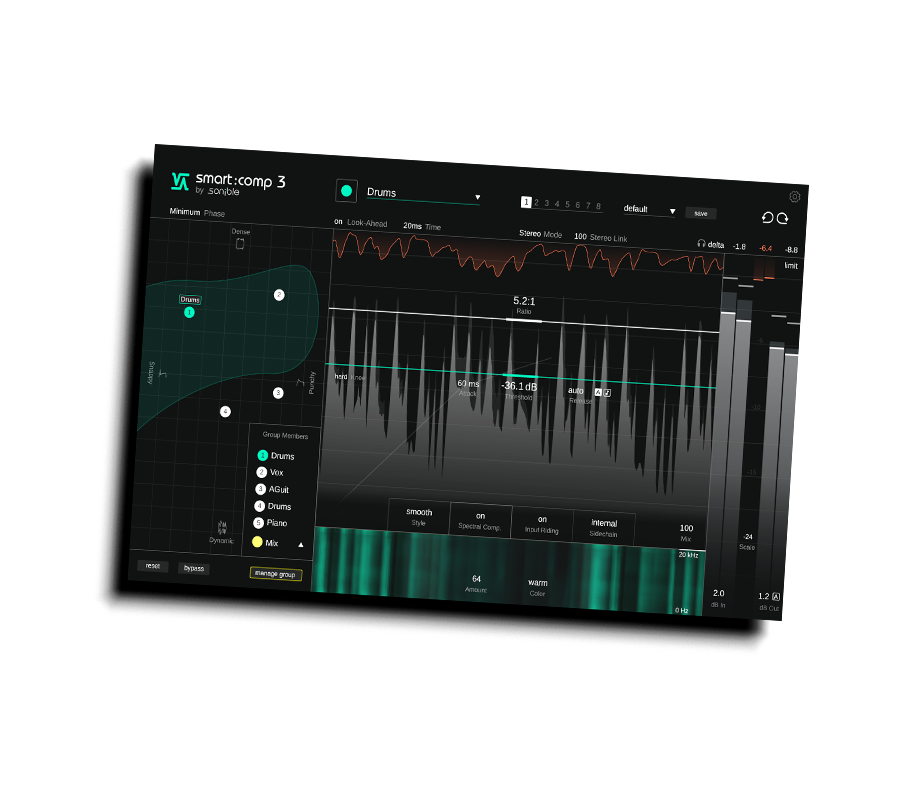
The Compression Matrix is where you shape how smart:comp 3 responds to your audio. Instead of manually dialing in threshold, ratio, attack and release, you simply move a thumb through thsi 2D grid. Every position represents a complete, signal-adapted compressor setup - from snappy and punchy to dynamic or dense. It gives you a visual, intuitive way to pick the compression character you want.
When you manually adjust the main parameters manually (threshold, ratio, attack, release), the thumb in the Matrix moves as well. And the other way around - moving the thumb updates the compressor parameters in real time. This keeps everything in sync and helps you clearly understand how your compression settings relate to the perceptual space of the Matrix.
The size of the Compression Scope (green area inside the Compression Matrix) depends entirely on the signal you feed into the learning process.
This variation is expected and simply reflects how flexible your material actually is.
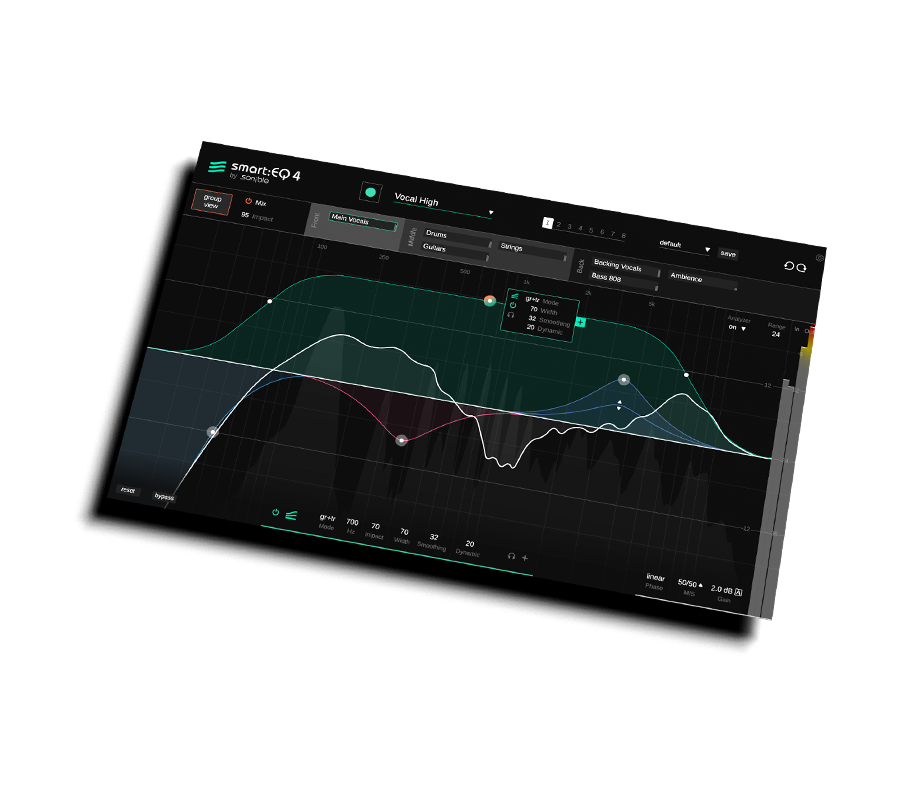
Depending on its mode, the smart:filter either only tries to fix imbalances of the current track or it also takes potential masking problems with other tracks into account (when part of a group).
In track & group (tr+gr) mode, the smart:filter looks at spectral imbalances of the current track as well as potential masking problems with other group members. This is the default mode for smart:EQ 4.
In track mode, the smart:filter only looks at spectral imbalances and problems of the current track. Potential masking problems with other group members are ignored. Even when the plug-in is a part of a group, you may want to use this mode if you do not want other tracks to have an impact on the sound of a certain track.
In group mode, the smart:filter only checks potential masking issues with other group members, but does not try to fix potential spectral imbalances of the track itself. Therefore, this mode only shows a filter curve if the plug-in is part of a group. You may want to use this mode if you want to stick to the overall sound of track and only want to embed it a bit smoother into a group of multiple tracks.
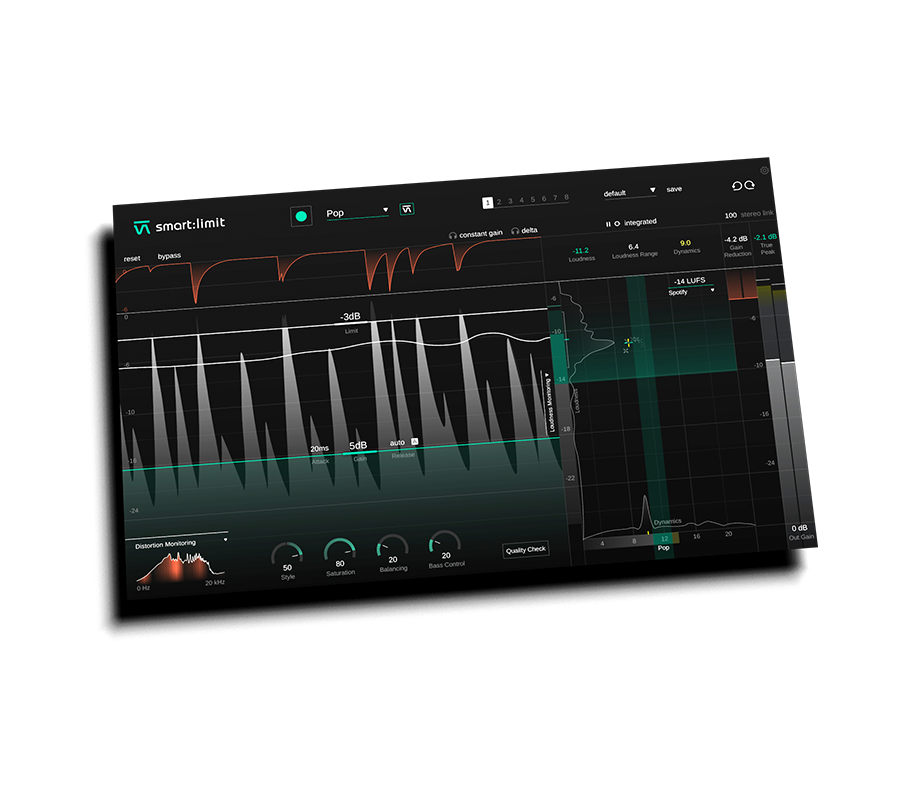
smart:limit is using the median of all measured PSR values (PSR = peak to short-term loudness ratio, see formula below) for measuring the dynamics. Although the PLR value (peak to long-term loudness ratio) is a more commonly used descriptor for dynamics, we found that our descriptor better matches the actual - also short term - dynamics of a track.
Our tests showed that the PLR value can sometimes be a bit misleading since it’s (basically) simply another descriptor for the integrated loudness. For example, if multiple tracks are normalised to -1dB True Peak, the PLR value is simply their Integrated Loudness value subtracted by 1.
PSR:
The PSR is the difference between the Short Term Loudness value and the maximum True Peak value measured within a window of 3 seconds.
PSR = Max. Peak - Short Term Loudness
=> computed within a 3 second window
PLR:
The PLR is the difference between the Integrated Loudness value and the maximum True Peak value measured over the whole observation period (e.g. typically the whole track).
PLR = Max. Peak - Integrated Loudness
=> computed over the whole observation period
While smart:limit comes with a quite extensive list of genres, your style might be somewhere in-between. That’s not a problem at all! Simply play around with the genre profiles that fit your style the most – or simply use a reference track to prime smart:limit for your intended limiting style.
No major update of a smart plug-in comes without a completely new way of approaching audio workflows – smart:comp 3 is no exception.
Read more
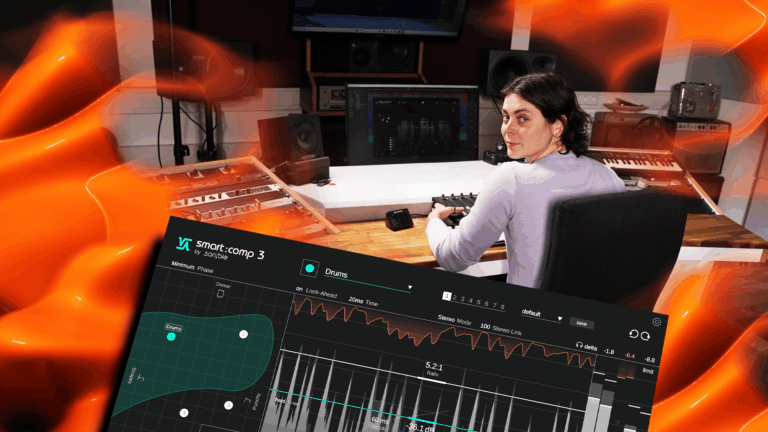
smart:comp 3 is a major update packed with brand-new features alongside the strengths of smart:comp 2.
Read more
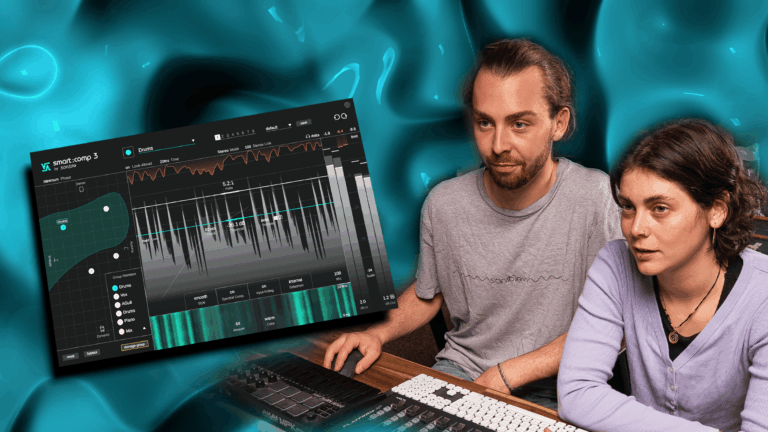
Check out all the awesome features of smart:comp 3 and make compression a natural part of your creative workflow.
Read more
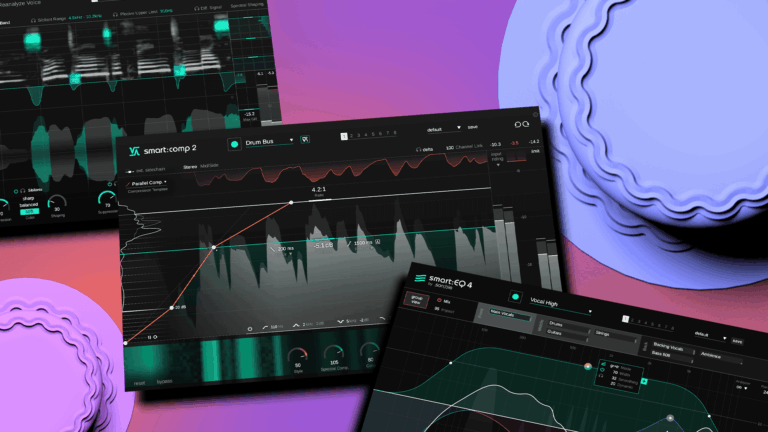
Got smart plug-ins? Then you’ve got options. Try out these techniques in mixing to make the best use of these intelligent devices.
Read more

Listen as we take a vocal channel from basic recording to professional standard, and explain the process as we move through every step.
Read more
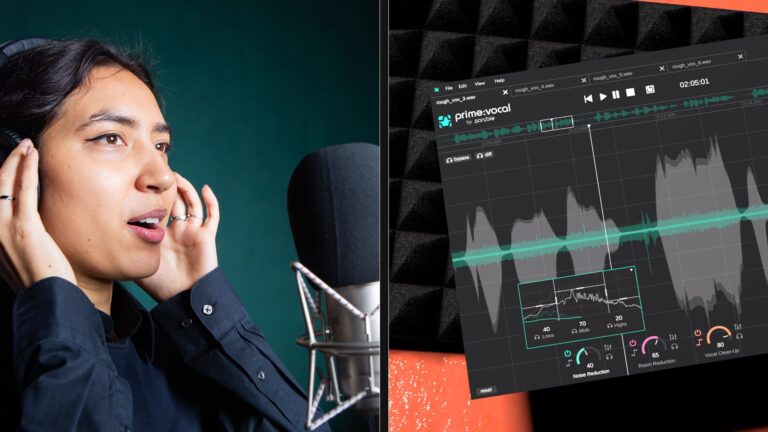
Every vocalist is different, every producer is different, so here are the effects you’ll want to consider when mixing the perfect vocal.
Read moreFeatures, specs & changelog