













What is Tonal Balance?
Learn how and why to balance your music across the frequency spectrum by analyzing tonal balance of different music genres and characteristics.
Read more
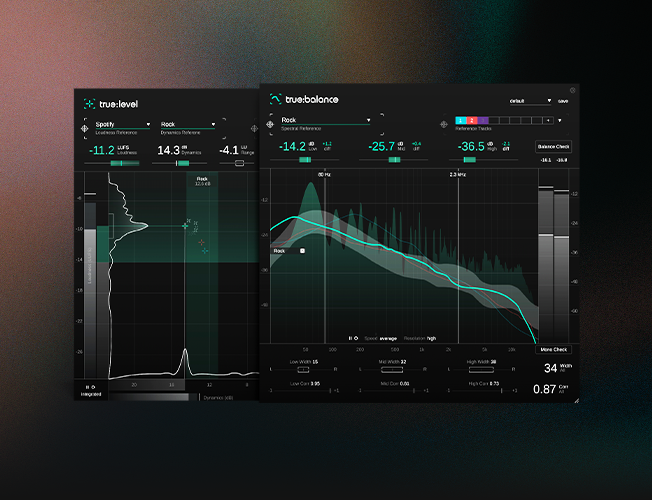
Precision metering for mixing and mastering
Loudness, dynamics and spectral balance metering for confident mix decisions. Check your sound against targets and references before release.

Sweetwater
Plugin Boutique
2 plug-ins worth €138.00 for €69.00 — you save €69.00
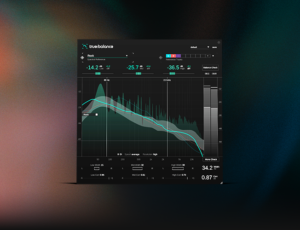
Spectral balance meter that compares your mix against references and genre targets. Spot frequency issues quickly and make confident mixing decisions.
Included in the bundle — €69.00 if bought separately
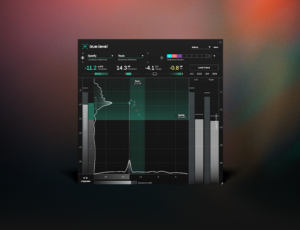
Loudness and dynamics meter that helps prepare audio for publishing. Check loudness targets and dynamics quickly with clear, intuitive feedback.
Included in the bundle — €69.00 if bought separately

Mixbus TV
White Sea Studio
SPL Mixing
Eric Kaufmann
Warp Academy
Audio Toolshed
Claudio Meloni
Weiss Advice
Produce Like A Pro
Junya Watanabe
Audioproduccion
Professional Audio
Home Studio Simplified
Pro Audio
FAQ
While the speech references focus on recordings with one speaker (high or low speech), the podcast references is based on a mixture of low speech and high speech recordings (assuming multiple speakers).
While Mono Check is active, the filter caused by mono-summing will be displayed as an additional yellow line inside the spectrum display. A more or less static filter shape indicates that the mono-summing will lead to spectral problems (e.g. comb-filters), while a constantly varying filter shows that summing to mono will not lead to any static filtering effects.
You can observe the filter while making changes to your mix to monitor the impact on the mono compatibility of your track.
The dB value of each frequency range represents the average dB level measured within the respective range. The exact value is only relevant, if you want to use true:balance not only to measure the overall spectral shape or balance, but also the absolute signal level in a certain frequency ranges.
To set an absolute level reference, you can disable the "follow-mode" of the reference zone (click the small "A" on the left hand side of the reference zone). Once disabled, you can set a fixed level for the zone and compare a track against this absolute reference.
To account for the human perception of levels in different frequencies, the analyzer uses a perceptually motivated frequency summing that leads to a bathtub-like distribution for pink noise and an upwards slope in high frequencies for white-noise-like signals. Narrow-band signals (e.g. sine waves) will have a constant level across all frequencies.
This weighting helps to better represent critical level differences as perceived by a mixing engineer.
The "diff" value shows the deviation from the center of the reference zone in the respective frequency range, while the Level Check hints show the deviation from the border to the reference zone. Therefore, the changes suggested by the Level Check hints are always a bit smaller than the displayed "diff" values.
true:level is using the median of all measured PSR values (peak to short term loudness ratio) to compute the dynamics. Please check out the following article for more details.
“It’s clear to me that they thought about how to incorporate metering in a way that engineers could actually use it.”
– Matthew Weiss

Audio engineer | Weiss Sound
“sonible's metering plug-ins are going to play an integral role in any production I do – in mixing and definitely in the mastering stage.”
– Robert McClellan
Music producer & musician
Learn how and why to balance your music across the frequency spectrum by analyzing tonal balance of different music genres and characteristics.
Read more
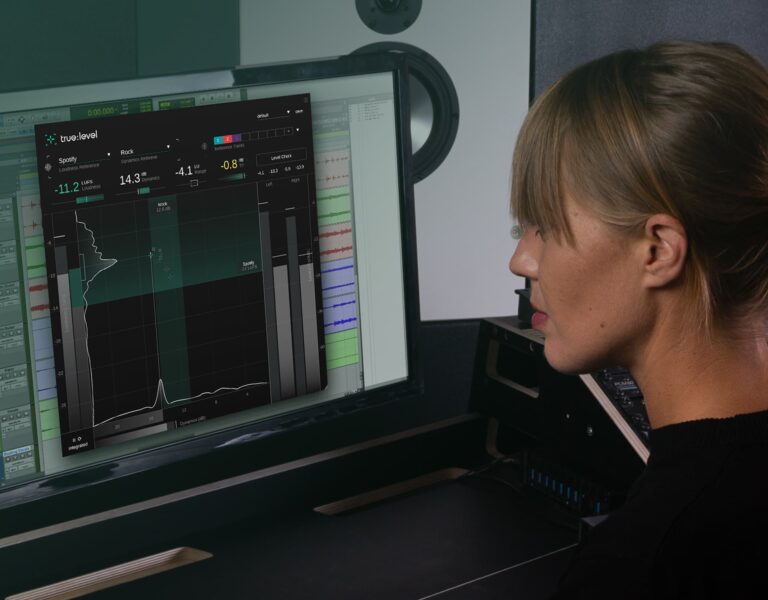
In this tutorial, we show you how to get started with true:level to get your mix ready for publishing.
Read more
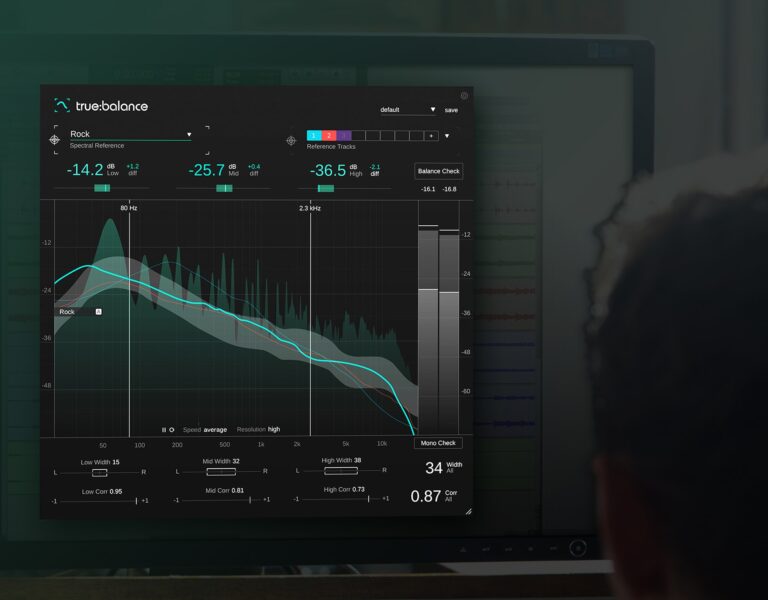
Learn how to use the spectral metering plug-in true:balance with reference tracks.
Read moreFeatures, specs & changelog